How Long Should a Laptop Last? And When to Replace It

You just spent your hard-earned money on a laptop. Naturally, you want to know: how long should a laptop last? It is a fair question — and the answer matters a lot before you buy, especially in Kenya where every shilling counts.
The truth is, a laptop's lifespan is not fixed. Some cheap machines die in two years. Others — like a well-kept MacBook Pro or Lenovo ThinkPad — keep going strong for a full decade. What separates them comes down to three things: build quality, how you use the machine, and how well you take care of it.
In this guide, we break down exactly what to expect from different laptops, the warning signs that yours is failing, and how to find a durable, value-for-money machine in Nairobi right now.
1. Average Laptop Lifespan by Type
Not all laptops age the same way. Here is what to expect based on the type and brand:
| Laptop Type | Expected Lifespan | Examples |
|---|---|---|
| Budget / Entry-level | 2–4 years | HP Stream, Lenovo 300e, Chromebooks |
| Mid-range Consumer | 4–6 years | HP ProBook, Lenovo ThinkPad T-series, Dell Latitude |
| Business / Enterprise | 6–8 years | HP EliteBook, Lenovo ThinkPad X-series, Dell XPS |
| Premium Workstation | 6–10 years | HP ZBook, Dell Precision, Lenovo ThinkPad P-series |
| Apple MacBook | 7–10 years | MacBook Air M1, MacBook Pro 13"–16" |
2. What Makes a Laptop Last Longer (or Shorter)
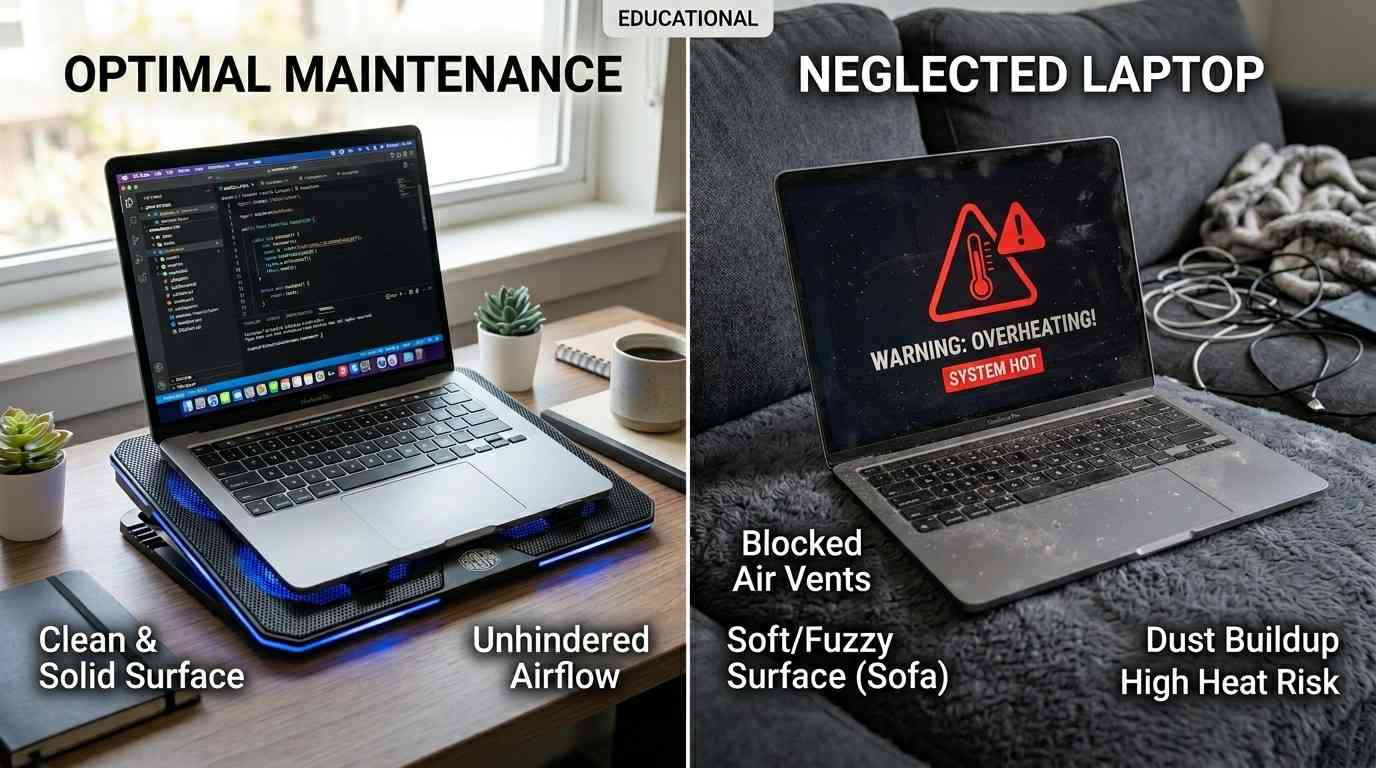
Understanding what shortens or extends a laptop's life helps you make smarter buying decisions and treat your machine better.
🔧 Build Quality
Laptops made with metal bodies — like the MacBook's aluminium chassis or the ThinkPad's carbon fibre lid — simply hold up better over time. Plastic builds flex and crack under daily stress. If you want longevity, a chassis that feels solid is a good first sign.
🧠 Processor & RAM
A laptop with a powerful processor and enough RAM ages gracefully because it can still run future software updates without lagging. According to PC Magazine, getting at least 8GB of RAM gives your laptop far more runway than a 4GB machine. 16GB is even better for anyone doing creative work, coding, or multitasking.
💾 SSD vs HDD
Solid-state drives (SSDs) have no moving parts — they are faster, quieter, and more resistant to shock damage. A laptop with an SSD will feel faster for longer compared to one with an old spinning hard drive. Nearly all the laptops listed in our inventory below already use SSDs, which is great news for lifespan.
🌡️ Heat Management
Heat is the number-one killer of laptops. Using a laptop on a pillow or bedsheet blocks the vents and causes the processor to overheat repeatedly. Over time, this degrades the motherboard, battery, and thermal paste. A simple laptop stand costs a few hundred shillings and can add years to your machine's life.
🔋 Battery Habits
Laptop batteries are rated for a limited number of charge cycles — usually 300 to 1,000. Keeping your laptop plugged in all day, every day, or regularly draining it to zero both reduce battery health faster. Try to stay between 20% and 80% for the best long-term battery performance. Most modern laptops, including HP EliteBooks and MacBooks, have battery health management tools built in to help with this.
🧹 Physical Care
Dust accumulating in the vents is one of the most overlooked causes of premature laptop death. A can of compressed air used every 6 months to blow out the vents keeps airflow healthy and temperatures in check. Keeping liquids away from the keyboard goes without saying.
3. Five Signs Your Laptop Is on Its Last Legs
- Painfully slow performance – If your laptop takes more than 2–3 minutes to start up, or freezes when you have more than two browser tabs open, the hardware is likely too old or too degraded to keep up with modern software demands.
- Battery dies in under an hour – A healthy laptop battery should last at least 3–5 hours on a charge. When it drops below one hour on full charge, the battery has lost most of its capacity. This does not mean the laptop is dead, but battery replacement costs need to be weighed against a new machine.
- Overheating and very loud fans – If your laptop gets burning hot on simple tasks like watching YouTube, or the fan runs at full speed all the time, the cooling system is struggling. This often leads to random shutdowns and, eventually, hardware damage.
- Frequent crashes, blue screens, or error messages – Occasional crashes happen. But if your machine crashes daily or shows blue/black screens of death regularly, the hardware — often the RAM or storage drive — is failing.
- Cannot run current software – When your operating system stops receiving security updates, or popular apps refuse to install because your laptop is too old, you are running a security risk every day you stay online. This is a serious sign it is time to upgrade.
4. How to Make Your Laptop Last Longer
These are simple habits that can genuinely add two or three extra years to your laptop's life:
- Use a laptop stand — elevates the machine, improves airflow, and reduces heat buildup.
- Clean the vents every 6 months — use compressed air to blow out accumulated dust.
- Keep software updated — security patches and OS updates often include performance improvements that help older hardware run better.
- Use an antivirus — malware can spike processor and RAM usage, causing unnecessary heat and wear.
- Manage your battery — enable battery health mode if available and avoid charging to 100% repeatedly.
- Handle with care — drops and knocks are responsible for a huge number of laptop deaths. A sleeve or padded bag is a worthwhile investment.
- Upgrade the RAM or SSD when possible — on many mid-range laptops, adding RAM or replacing an old hard drive with an SSD is a low-cost way to get several more years of use. How-To Geek explains when an upgrade makes more sense than replacing.
5. Repair or Replace? How to Decide
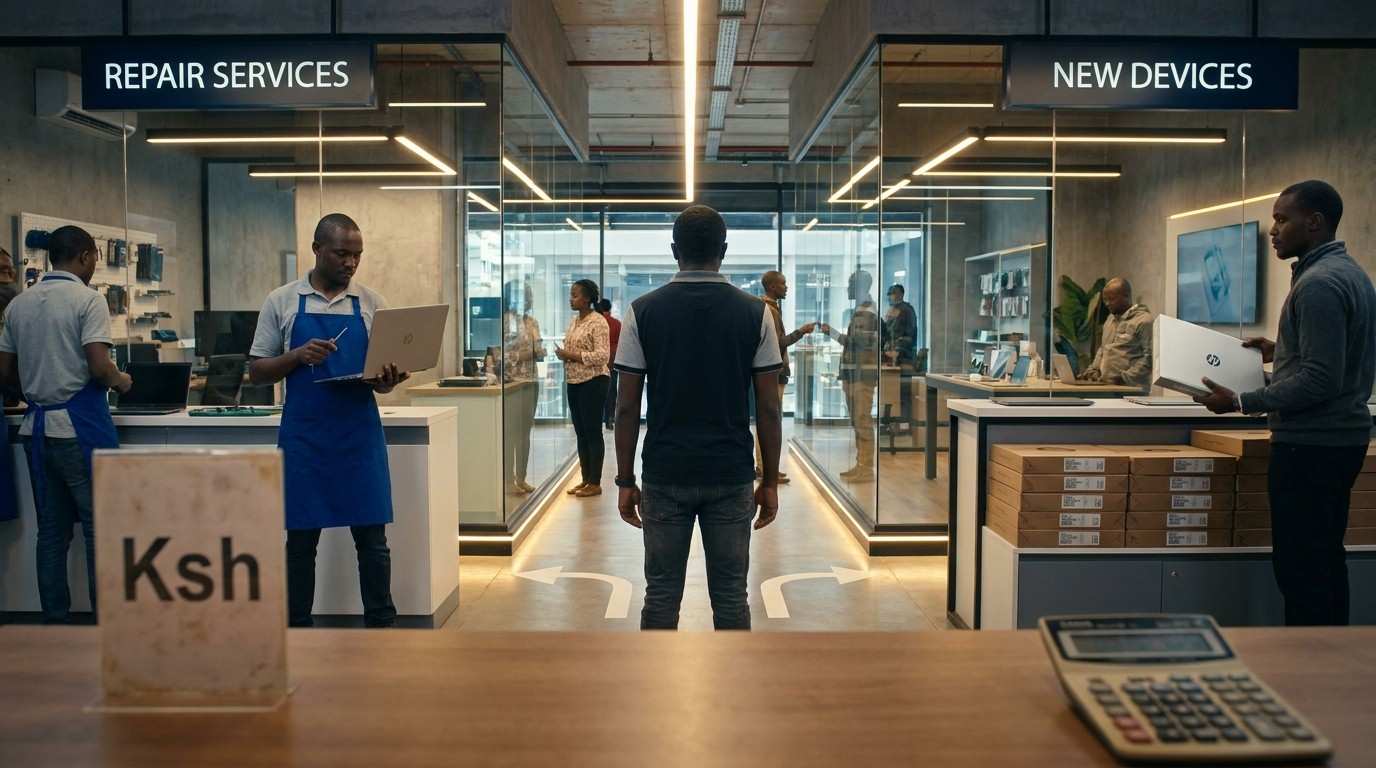
This is the hardest call. A good rule of thumb: if the repair cost exceeds 50% of what a newer, better machine would cost, replace it. Here is a quick breakdown:
| Problem | Repair Cost (Est.) | Verdict |
|---|---|---|
| Battery replacement | Ksh 2,500–5,000 | ✅ Worth it if laptop is < 5 yrs old |
| Screen replacement | Ksh 5,000–15,000 | ⚠️ Depends on laptop value |
| Keyboard replacement | Ksh 2,000–6,000 | ✅ Usually worth it |
| RAM upgrade (8→16GB) | Ksh 2,500–4,500 | ✅ Excellent value |
| SSD upgrade (HDD→SSD) | Ksh 3,000–7,000 | ✅ Excellent value |
| Motherboard failure | Ksh 10,000–30,000+ | ❌ Usually not worth it |
| Processor damage | Ksh 15,000–40,000+ | ❌ Replace the laptop |
If your machine is 6+ years old and facing a motherboard or processor issue, you are almost always better off investing in a newer, more capable refurbished unit than sinking money into a dying machine.
6. Top Long-Lasting Laptops Available in Nairobi Right Now
These picks represent the best value for long-term durability from our current inventory. Each model is known for its build quality, repairability, and longevity. Prices are valid while stock lasts. Call or WhatsApp 0714701814 to confirm availability.
Also check out The Best Laptop for Online Work & Multitasking in Kenya for performance-focused picks.
MacBook Pro 13" M1 2020 — 16GB / 512GB
Apple's M1 chip is so efficient it barely generates heat — the biggest killer of laptops. With stellar build quality and long macOS support cycles, this is realistically a 10-year machine.
HP EliteBook 840 G10 — i7 13th Gen, 16GB / 512GB
Built to military durability standards, the G10 is HP's most recent EliteBook 840. The 13th-gen processor means it will stay relevant for years. A top choice for professionals.
Lenovo X1 Yoga Gen 6 — i7 11th Gen, 16GB / 512GB
The X1 Yoga is one of Lenovo's flagship ultrabooks, built with a carbon-fibre chassis that handles drops and daily abuse with ease. Reliable for 7+ years of use.
HP EliteBook 830 G8 — i7 11th Gen, 16GB / 512GB, x360
11th-gen Intel, 16GB RAM, and HP's business-grade chassis make this a machine that will comfortably serve you for 6–8 more years of daily use at a very fair price.
Lenovo ThinkPad P15 Gen 1 — i7, 16GB / 512GB, RTX 3000
For creators, engineers, and video editors, a professional workstation GPU future-proofs your investment. The ThinkPad P-series is legendary for durability in demanding environments.
Lenovo ThinkPad T490s — i5 8th Gen, 8GB / 256GB
The T490s is a proper business machine at a student-friendly price. 8th-gen i5 handles everyday tasks with ease, and Lenovo's build quality means this will outlast any consumer laptop at the same price.
🔥 Interested in any of these laptops? Contact us to confirm availability and arrange delivery across Nairobi.
⚡ Prices valid while stock lasts.
WhatsApp 0714701814 📞 Call 0714701814Available Mon–Sat · Nairobi delivery available
7. Full Laptop Inventory — Search & Compare
Use the search box and filters below to find exactly what you need. All prices are in Ksh and valid while stock lasts.
| Brand | Model | Processor | RAM | Storage | Features | Price (Ksh) |
|---|
* Prices valid while stock lasts. Contact 0714701814 to confirm availability before visiting.
💬 Found a laptop you like? Message us on WhatsApp or call to check stock and arrange same-day pickup or delivery in Nairobi.
WhatsApp Us NowHow Long Do MacBooks Last Compared to Windows Laptops?
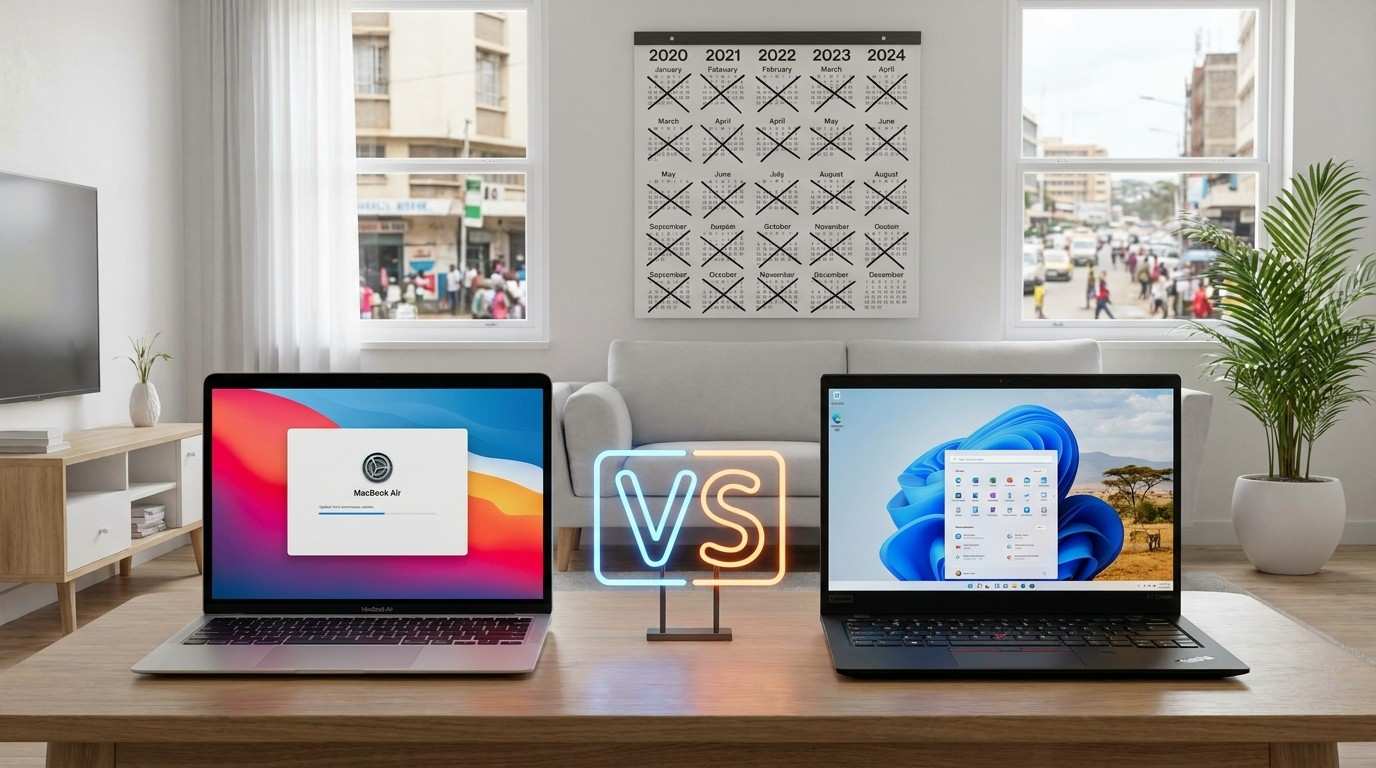
MacBooks consistently outlast Windows laptops in real-world use. There are a few reasons for this:
- Tight hardware-software integration — Apple designs the chip, the operating system, and the hardware together. This means less bloatware, more efficient performance, and fewer compatibility issues over time.
- Long software support — Apple typically supports macOS versions for 7–8 years. That means your machine keeps getting security updates long after most Windows manufacturers have moved on.
- The M1 chip — The Apple M1 and newer chips generate very little heat compared to Intel processors. Lower heat means less wear on the battery, motherboard, and other components.
- Premium build materials — Machined aluminium bodies are far more durable than plastic. MacBooks survive drops and bumps that would crack most consumer laptops.
The trade-off is cost. A MacBook Air M1 2020 starts at Ksh 65,000 from our current stock — but if it serves you well for 8–10 years, the per-year cost is actually lower than a Ksh 30,000 machine that dies in 3 years.
For more options across different price ranges, see our guide on Best Laptops Under Ksh 70,000 in Kenya.
Frequently Asked Questions
🚀 Ready to find your next laptop? Browse our full inventory above or get in touch today. Nairobi delivery available.
WhatsApp 0714701814 📞 Call 0714701814⚡ Prices valid while stock lasts · Mon–Sat · Nairobi