Common Laptop Problems and How to Fix Them: Ultimate Guide
Common laptop problems come down to five root causes: too little RAM or storage, dust build-up and overheating, outdated drivers or software, a weak or old battery, and power surges. Cleaning the vents, freeing up space, updating drivers, and upgrading to an SSD solve most issues without visiting a repair shop.
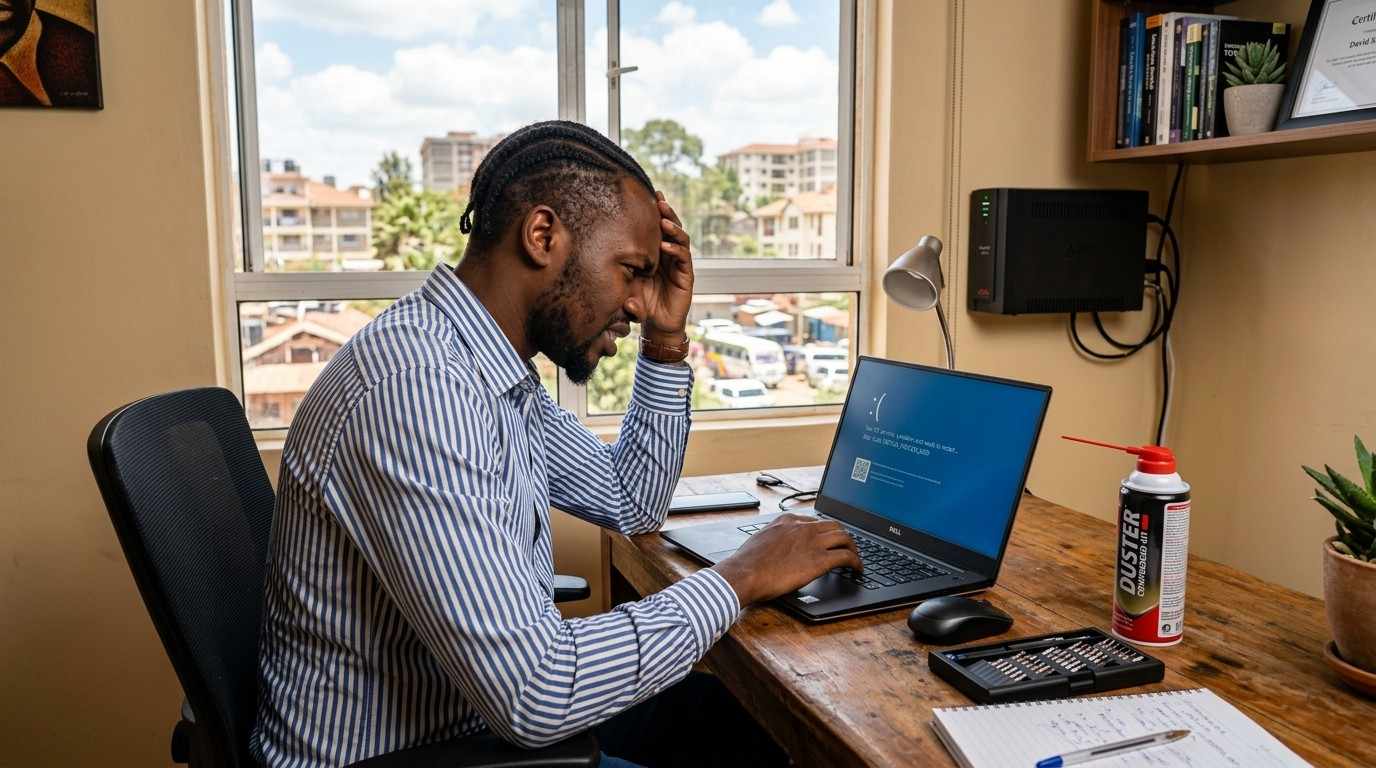
Knowing common laptop problems and how to fix them goes a long way for every laptop owner. Because a machine that is running your business, your online classes, or your side hustle from a cyber café or a home desk in Nairobi, Mombasa, or Kisumu can go from perfect to painful in one afternoon. Dusty roads, hot afternoons, and unstable power from KPLC all put extra strain on a laptop compared to cooler climates. The good news is that most of the problems people bring to a repair shop can be fixed at home in fifteen minutes, for free, once you know what to look for. This guide walks through the eleven most common symptoms, how to diagnose a fault before you spend a single shilling, and how to tell when it really is time to repair — or replace — the machine.
What's in this guide
- Why Is My Laptop So Slow?
- Why Does My Laptop Freeze Randomly?
- Why Is My Laptop Hanging Frequently?
- Why Does My Laptop Crash Without Warning?
- Why Does My Laptop Restart by Itself?
- Why Won't My Laptop Turn On?
- Why Won't My Laptop Shut Down Properly?
- Why Is My Laptop Running Hot?
- Why Is My Laptop Fan Always Loud?
- Why Is My Laptop Getting Slower Over Time?
- Why Does My Laptop Keep Showing the Blue Screen?
- How to Diagnose Problems Before Paying for Repairs
- Repair or Replace: How to Decide
- Most Common Laptop Problems in Kenya and How to Avoid Them
- Frequently Asked Questions
1. Why Is My Laptop So Slow?
A slow laptop is the number one complaint we hear from customers across Kenya. It almost never means the laptop is "finished" — it usually means the laptop is working harder than it needs to.
Likely cause: too many programs starting automatically, a nearly full hard drive, or an old spinning hard drive (HDD) instead of a solid-state drive (SSD).
- Open Task Manager (press
Ctrl + Shift + Esc) and check the Start-up tab. Disable programs you do not use every day. - Delete old downloads, duplicate photos, and unused installers to free up space. Aim to keep at least 15% of the drive empty.
- Close browser tabs you are not using — each open tab uses memory even in the background.
- If the laptop still has an old HDD, an SSD upgrade is the single biggest speed fix available; it can make a five-year-old laptop feel new again.
2. Why Does My Laptop Freeze Randomly?
Random freezing — where the screen locks and nothing responds, even the mouse — is different from a normal slowdown. It usually points to a resource or hardware issue rather than clutter.
Likely cause: not enough RAM for the programs you run, overheating, a failing hard drive, or outdated graphics and chipset drivers.
- Check Task Manager's Performance tab the next time it happens. If RAM usage is near 100%, close heavy programs or add more RAM.
- Feel the base of the laptop. If it is very hot when it freezes, jump to the overheating section below.
- Update Windows and your graphics driver through Windows Update or the manufacturer's support page.
- Run
chkdskfrom Command Prompt to check the hard drive for errors.
3. Why Is My Laptop Hanging Frequently?
"Hanging" is what most Kenyan users call it when a program stops responding and the screen shows a spinning circle for a long time before catching up — or never catching up at all.
Likely cause: low storage space, malware running quietly in the background, or a hard drive that is starting to fail.
- Run a full scan with Windows Security (built into every Windows laptop, free) to rule out malware.
- Free up storage space the same way described in the slow-laptop fix above.
- Uninstall programs you never use — old software can leave background processes running.
- If hanging happens on nearly every program, book a hard-drive health check before it fails completely and takes your files with it.
4. Why Does My Laptop Crash Without Warning?
A crash — where the screen suddenly goes black or the laptop switches off mid-task — is more serious than freezing because it can happen with no warning at all, sometimes losing unsaved work.
Likely cause: overheating, a swollen or failing battery, unstable power from the charger, or a corrupted system file.
- Check whether the crash only happens while charging or only on battery — this tells you if the charger or battery is the culprit.
- Look at the battery from the side; if it looks puffed up or the trackpad is lifting, stop using it and have it replaced immediately, as swollen batteries are a fire risk.
- Run
sfc /scannowin Command Prompt (as Administrator) to repair corrupted Windows files. - Clean the vents if the laptop feels hot before it crashes — see the overheating section.
5. Why Does My Laptop Restart by Itself?
Self-restarting is unsettling, especially mid-way through typing an assignment or an invoice. It is usually the laptop protecting itself rather than a random fault.
Likely cause: overheating protection kicking in, a Windows Update installing silently, a driver conflict, or a faulty power adapter.
- Check
Settings > Windows Update > Update Historyto see if a restart lines up with an update. - Test with the laptop on a hard, flat surface for a day to rule out overheating.
- Update or roll back a recently updated driver in Device Manager if the restarts started right after a driver update.
- Try a different, genuine charger — a weak or fake charger can cause random restarts under load.
6. Why Won't My Laptop Turn On?
A laptop that shows no lights and no sound at all when you press the power button feels like the worst-case scenario, but it is often one of the cheapest problems to fix.
Likely cause: a fully drained or dead battery, a faulty charger or charging port, or built-up static charge.
- Plug the charger in directly and check for a charging light on the laptop or the charger brick itself.
- Try a different socket, since some Kenyan wall sockets and extension cables are unreliable after power surges.
- Unplug the charger, remove the battery if it is removable, hold the power button for 30 seconds, then reconnect and try again — this drains residual static charge.
- If nothing lights up at all even with a known-good charger, the charging port or motherboard likely needs a technician's diagnosis.
7. Why Won't My Laptop Shut Down Properly?
Some laptops hang on the "Shutting down" screen for minutes, or shut down and then turn back on by themselves. This is almost always a software issue, not a hardware fault.
Likely cause: a stuck background program, a pending update waiting to install, or the Fast Startup setting misbehaving.
- Close all open programs manually before choosing Shut Down.
- Let any pending Windows Update finish installing instead of forcing a shutdown.
- Go to
Control Panel > Power Options > Choose what the power buttons doand turn off Fast Startup. - If it still hangs, hold the power button for 10 seconds to force a shutdown, then run
sfc /scannowafterward.
8. Why Is My Laptop Running Hot?
Kenya's warm afternoons make this one of the most common complaints, especially for laptops used on beds, sofas, or laps rather than a hard desk.
Likely cause: dust blocking the air vents, old thermal paste that has dried out, soft surfaces blocking airflow, or too many demanding programs running at once.
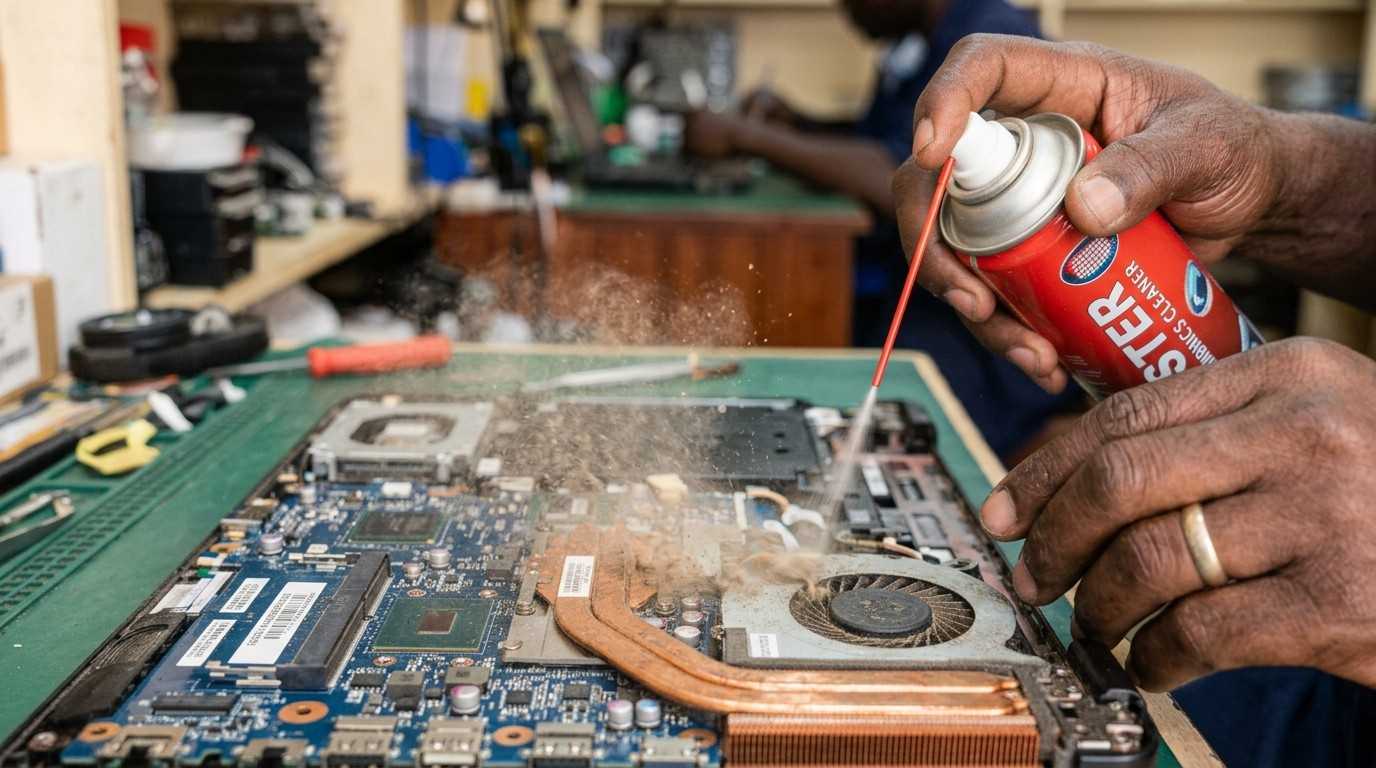
- Use a can of compressed air to blow dust out of the side and bottom vents — do this outdoors to avoid mess.
- Always place the laptop on a hard, flat surface, not a bed, blanket, or your lap.
- Use a laptop cooling pad (widely available in Nairobi's CBD electronics shops for under Ksh 1,500) for laptops used for long gaming or video-editing sessions.
- If it is still hot after cleaning, the thermal paste inside may need replacing — a job for a technician, usually under Ksh 2,000.
For a deeper technical breakdown, HP's official guide covers how to fix laptop overheating in more detail.
9. Why Is My Laptop Fan Always Loud?
A fan that is always loud, even when you are only browsing or typing a document, is a sign the laptop is working harder than it should to stay cool.
Likely cause: dust build-up (same root cause as overheating), too many background programs, or the power plan set to "High Performance" by default.
- Clean the vents as described above — this fixes the majority of loud-fan complaints.
- Open Task Manager and end any unfamiliar process using high CPU in the background.
- Switch the power plan to "Balanced" instead of "High Performance" under Power Options.
- A fan that grinds, rattles, or buzzes (rather than just blowing loudly) usually needs a physical fan replacement.
See HP's guide on fixing loud laptop fan noise for more advanced steps.
10. Why Is My Laptop Getting Slower Over Time?
This is different from a laptop that is suddenly slow today — this is a gradual decline over months or years, and it happens to every laptop eventually.
Likely cause: storage filling up gradually, more start-up programs accumulating over time, an aging battery, and dust reducing cooling efficiency year after year.
- Do a full clean-up (start-up programs, storage, malware scan) every three months, not just when problems appear.
- Have the vents professionally cleaned once a year, especially if you live or work near a dusty road.
- Upgrading RAM or switching to an SSD can add two to three extra years of useful life to an older laptop.
- Track the battery health using the built-in battery report (
powercfg /batteryreportin Command Prompt) — a battery under 60% health is a common hidden cause of slowdowns.
11. Why Does My Laptop Keep Showing the Blue Screen?
The "Blue Screen of Death" (BSOD) — a blue screen with a sad face and an error code — looks alarming, but the error code it shows is actually the most useful clue you will get.
Likely cause: a driver conflict, faulty or failing RAM, overheating, or a failing hard drive.
- Write down or photograph the error code shown at the bottom of the blue screen (for example, MEMORY_MANAGEMENT or PAGE_FAULT_IN_NONPAGED_AREA).
- Search that exact code to find the specific fix, since each code points to a different component.
- Run Windows Memory Diagnostic (search for it in the Start menu) to test your RAM.
- Update all drivers, especially graphics and chipset drivers, through Windows Update or the manufacturer's site.
Microsoft's official support page covers troubleshooting unexpected restarts and stop code errors in full detail, including how to read every stop code.
How to Diagnose Laptop Problems Before Paying for Repairs
Before you spend money at a repair shop, spend ten minutes running these free, built-in checks. They will often tell you exactly what is wrong, and sometimes reveal that a "broken" laptop simply needs cleaning.
| Tool | What it checks | How to open it |
|---|---|---|
| Task Manager | CPU, RAM, and disk usage in real time | Ctrl + Shift + Esc |
| Windows Memory Diagnostic | Faulty RAM sticks | Search "Windows Memory Diagnostic" in Start menu |
| Manufacturer hardware test | Full hardware health check (battery, fan, screen, storage) | Press Esc or F2 at start-up on most HP and Dell laptops |
| Battery report | True battery health vs. factory capacity | powercfg /batteryreport in Command Prompt |
| Event Viewer | A log of every crash and error, with timestamps | Search "Event Viewer" in Start menu |
Running these checks before visiting a repair shop does two things: it can save you money if the fix turns out to be free, and it helps a technician diagnose the real problem faster instead of guessing — which usually means a cheaper, quicker repair quote.
How to Know Whether Your Laptop Needs Repair or Replacement
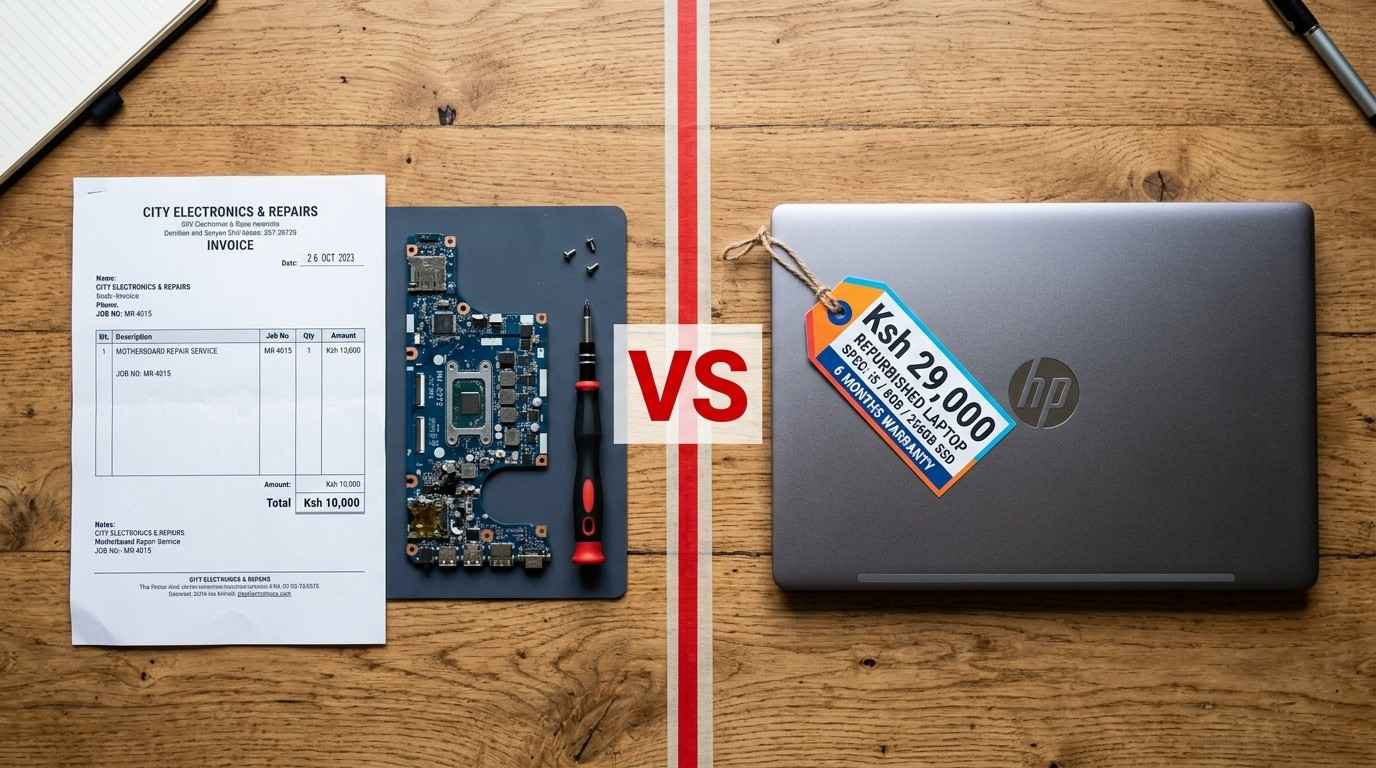
This is the question every Kenyan laptop owner eventually has to answer, and the right choice depends on age, repair cost, and how central the laptop is to your income or studies.
| Repair it | Replace it | |
|---|---|---|
| Laptop age | Under 5 years old | Over 6 years old |
| Repair cost | Less than 40% of a similar used laptop's price | More than half the price of replacing it |
| Fault type | Battery, keyboard, screen, RAM, or SSD | Motherboard, or a second major repair within a year |
| Performance | Still meets your daily needs after the fix | Struggles even with light tasks, even after repair |
If you decide to sell or trade in an old laptop, wipe your personal data first using Settings > System > Recovery > Reset this PC and choose "Remove everything," so your files and passwords do not end up with the next owner.
Most Common Laptop Problems in Kenya and How to Avoid Them
A few problems come up far more often here than in cooler, less dusty climates, mostly because of local weather, power supply, and how many laptops are used daily for long hours in cyber cafés, offices, and campuses.
| Common Kenyan Cause | Problem It Leads To | How to Avoid It |
|---|---|---|
| Dust from unpaved roads and open windows | Overheating, loud fan, random shutdowns | Clean vents every 3 months; keep windows and doors closed when possible while working |
| KPLC power surges and outages | Sudden crashes, charger and battery damage | Use a surge protector or UPS, and unplug during storms |
| Using the laptop on the lap or bed | Overheating, fan wear, shortened lifespan | Always use a hard, flat surface or a laptop stand |
| Buying uncertified chargers | Battery damage, random restarts, port damage | Buy genuine or certified compatible chargers only |
| Skipping software updates | Security risks, driver conflicts, blue screens | Turn on automatic Windows Updates |
Still stuck after trying these fixes? Send us a photo or a short video of the issue on WhatsApp and we'll help you figure out if it's a quick fix or time for an upgrade.
📲 Chat on WhatsAppFrequently Asked Questions
Why is my laptop so slow?
A laptop usually runs slow because too many programs open at start-up, the storage drive is nearly full, too many browser tabs are open, or the hard drive is an old spinning HDD instead of an SSD. Closing start-up programs, freeing up space, and upgrading to an SSD are the fastest fixes.
Why does my laptop freeze randomly?
Random freezing is often caused by low RAM, overheating, a failing hard drive, or outdated drivers. Check Task Manager for a program using too much memory, clean the vents, and update Windows and your drivers.
Why won't my laptop turn on?
A laptop that will not turn on is usually a dead battery, a faulty charger or charging port, or a loose internal connection. Try a different charger, hold the power button for 30 seconds to drain static charge, then power on again.
Why does my laptop keep showing the blue screen?
The blue screen of death usually points to a driver conflict, faulty RAM, overheating, or a failing hard drive. Note the error code shown, update your drivers, and run a memory test to narrow down the cause.
How do I diagnose laptop problems before paying for repairs?
Start with free built-in tools: Windows Task Manager to check CPU, RAM, and disk use; Windows Memory Diagnostic for RAM; and the manufacturer's hardware diagnostic (press Esc or F2 at start-up on most HP and Dell laptops) for a full hardware health check.
How do I know if my laptop needs repair or replacement?
As a rule of thumb, if the laptop is under 5 years old and the repair costs less than half the price of a similar used laptop, repair it. If it is older, needs a motherboard replacement, or has already been repaired more than twice, replacing it is usually cheaper in the long run.
Is it cheaper to buy a used laptop than repair an old one in Kenya?
Often yes, especially for motherboard or screen repairs on older laptops. A well-tested ex-UK business laptop can cost less than a major repair while giving you newer specs and a fresh battery.
Can dust really damage a laptop in Kenya?
Yes. Dust blocks the air vents and coats the internal fan and heat sink, which is one of the leading causes of overheating, loud fans, and random shutdowns reported by laptop users across Kenya.